


⚡ Free Express Shipping in USA✦
🔥 Newest Arrival Collection Live Now✦
✨ SUBSCRIBE TO GET YOUR 10% Off✦

Last Updated: November 3, 2026
Quick Summary
For most modern phones, overnight charging does not hurt the device, because the charge controller stops the main current once the battery is full and only draws small top-ups to stay at capacity. The realistic concern is slow chemical aging from hours spent at full voltage, not overcharging or explosion.
Does leaving your phone on the charger overnight hurt it? For most modern phones, the short answer is no. A phone left plugged in overnight typically stops drawing serious power once the battery is full, so the old fear of "overcharging" does not match how today's hardware generally works.
That said, overnight charging is not completely neutral. The real concern is slow battery wear rather than a sudden failure.
At CarNook, we spend a lot of time thinking about how people charge phones, in cars and on nightstands alike. This guide breaks down what happens inside the battery, which habits matter, and how to charge smarter.
guidance on lithium-ion battery charging and safety
A lithium-ion battery stores energy by moving charged particles between two sides of the cell. When the battery fills up, a small circuit called a charge controller steps in. It cuts the main current and switches to a maintenance mode.
That maintenance mode is often called a trickle charge. The phone draws tiny amounts of power to stay at full capacity while plugged in.
Here is the key point: the battery is not being force-fed energy. The controller manages the flow.
Those repeated small top-ups are gentle. The bigger issue is time spent sitting at full voltage, which we will cover next.
Here is what the charge controller does once the battery fills up.
| Stage | What happens |
|---|---|
| Full charge | The controller stops the main current |
| Standby | Small top-ups keep the phone at 100% |
| Heat | The phone warms slightly during top-ups |
Overcharging a modern smartphone is largely a myth. The charge controller inside the phone prevents the battery from taking on more energy than it can hold.
So why does the fear persist? Older batteries and chargers lacked this protection. Today's power management integrated circuit handles it automatically.
What the controller cannot do is stop chemical aging. A battery held at full charge for hours still experiences stress at the chemical level, even with perfect voltage control.
This is where the honest answer lives. Overnight charging will not hurt your phone in a dramatic way. It may, over months and years, nudge the battery toward slightly faster capacity loss.
Keeping a phone charging after it hits 100 does not damage it on the spot. The charge controller holds the battery at full and lets it sit there.
The effect is cumulative. A battery that spends eight hours a night at full charge ages a little faster than one that rests at a lower level. This is chemical aging, and it shows up as reduced capacity over time.
Many people never notice. Others see their phone hold a charge for less time after a year or two.
The takeaway is simple: charging past 100 is safe, but it is not free. The cost is paid slowly in battery lifespan.
Battery degradation, not explosion, is the realistic concern with overnight charging. Headlines about phones catching fire make people nervous, but those cases usually involve damaged batteries, poor-quality accessories, or physical harm to the device.
A healthy phone on a quality charger does not typically explode from being plugged in overnight. The chemistry does not work that way.
What does happen is gradual capacity loss. Every charge cycle adds a little wear. Sitting at full charge for long stretches adds a bit more.
Chemical aging is the slow breakdown of a battery's internal materials. It happens every time the battery charges and discharges.
A charging cycle counts as one full drain and refill, though partial cycles add up too. Batteries have a limited number of cycles before capacity drops noticeably.
Heat speeds up chemical aging. So does time spent at full charge. Keeping a phone cool and avoiding long stretches at 100% both help slow the process.
Temperature matters more than time when it comes to battery health. A phone that charges cool will usually outlast one that runs hot, even if the hot phone spends less time plugged in.
Heat is the enemy of lithium-ion chemistry. It accelerates the reactions that wear down capacity.
Common heat sources during overnight charging include:
If the phone feels warm to the touch after an hour, that is a signal. For practical cooling tips during demanding use, see how to prevent phone overheating while using GPS navigation. Cooler is better.
Phone optimized charging overnight is one of the most useful features added to smartphones in recent years, and it is also one of the most overlooked. Most people have it sitting in their settings menu without knowing it exists. Here is what it does, how the major platforms differ, and how to turn it on.
The core idea is the same across brands: instead of letting the battery sit at 100% for the eight or so hours you are asleep, the phone learns your routine and delays the final stretch of charging until just before you normally wake up. The battery spends most of the night at a lower state of charge, then tops off close to your alarm. Less time at full voltage means less of the chemical stress covered earlier in this guide.
Apple calls the feature Optimized Battery Charging. On a supported iPhone, you can find it in the Battery settings under Charging. When it is on, the phone may pause charging before reaching 100% overnight and finish closer to when you typically wake. Some iPhone models also offer a separate charge limit option that caps charging below full. That is a different trade-off: you give up some daily runtime in exchange for less time spent at full charge.
Android manufacturers implement the same concept under different names. Many devices offer an adaptive or optimized charging toggle, and several now include a charge limit setting that lets you cap the battery at a chosen percentage. The exact menu path varies by manufacturer and software version, so it is best to open Settings and search for "charging" or "battery." If a charge limit or optimized charging option appears, you have found it.
A charge limit is not the same as optimized charging, and it helps to know the difference. Optimized charging still lets you start the day at 100%, it just delays when the battery gets there. A hard charge limit keeps the battery below full all the time. The first is convenient; the second is more aggressive about reducing time at high voltage.
Which one fits you depends on your day. If you routinely need every bit of runtime, optimized charging is the gentler choice. If you charge often and rarely drain the battery, a charge limit may suit you better. Neither is a guarantee against wear, they simply reduce one of the stressors discussed above.
Watch out: optimized charging depends on learning a consistent routine, so if your schedule changes often, it is worth checking that the setting is still active.
Turning it on is one of the easiest changes a user can make. It costs nothing and works quietly in the background, which is exactly why so many people never notice it is there.
Fast charging overnight is convenient, but it comes with a trade-off. Higher wattage can mean more heat, which may add stress to the battery, especially when the phone charges fast and then sits at full.
Fast charging itself is not harmful when used as intended. The concern is combining fast charging with long idle time at 100%.
A practical approach is to fast charge when you need a quick top-up and use a slower charger overnight. The slower pace generates less heat and is gentler on the battery.
Cable quality also matters. A worn or frayed cable can cause inconsistent current and extra heat. Checking cables regularly is a small habit with real payoff.
To avoid phone battery degradation, focus on three things: keep the phone cool, limit time at full charge, and use quality accessories. These habits matter more than any single setting.
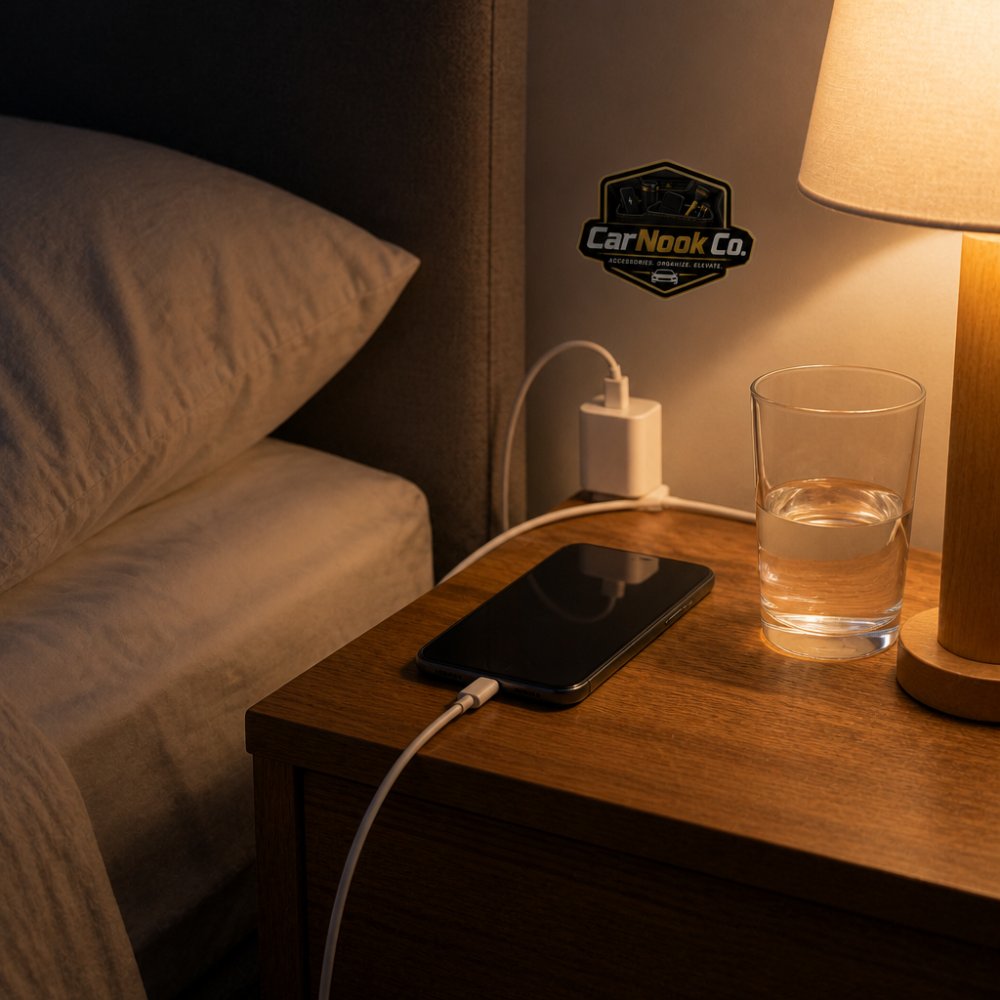
Here is a routine that works:
Cable care is part of the routine too. Learn how to protect your phone charging cable from fraying with simple habits and smart accessories. A charger protector can also help reduce wear at the connector, where wear often starts.
Fire safety deserves attention, even though overnight charging is generally considered low-risk for healthy devices. The realistic risks come from a small set of conditions: a damaged battery, a cheap uncertified accessory, or a phone charging on a soft surface that traps heat. Understanding why those conditions matter makes the precautions easier to actually follow.
The scary headlines about phones catching fire usually trace back to a process called thermal runaway. In simple terms, if a lithium-ion cell gets hot enough, the heat can trigger reactions inside the cell that generate even more heat. That feedback loop can escalate quickly. A healthy phone on a quality charger typically does not reach that point, but a damaged cell or a failing accessory may raise the risk.
This is why soft surfaces matter more than people assume. A phone charging under a pillow, on a bed, or beneath a blanket cannot shed heat the way it can on a hard nightstand. The heat builds instead of escaping. Combine a trapped-heat surface with a worn cable or an uncertified adapter, and the margin for error shrinks.
Watch out: a phone that charges fine on a hard surface can still overheat on a soft one. The surface, not just the charger, is part of the setup.
Environmental hazards matter too. Lithium-ion batteries contain materials that should not go in regular trash, and a punctured or swollen battery can be a fire risk even after the phone stops working. When a phone or battery reaches the end of its life, use a proper recycling option, many electronics retailers and municipal programs accept old devices and batteries. Storing a swollen battery in a drawer is not a safe long-term plan.
None of this is meant to make overnight charging sound dangerous. For most people with healthy devices and quality accessories, it is a routine, low-risk habit. The point is that the fire risk is not random, it clusters around heat, damage, and cheap gear, and those are things you can control.
A smarter overnight routine starts with small changes. Charge in a cool spot, enable optimized charging, and use a charger that matches your needs. None of these require new habits that are hard to keep.
For drivers, charging does not stop at the nightstand. A car phone mount can help keep your phone in view during commutes, and depending on the product, may support charging. That fits the CarNook approach: practical accessories that make daily charging simpler.
CarNook focuses on car phone mounts, MagSafe-compatible accessories, phone cases, and travel essentials designed for real everyday use. The goal is practical gear that fits the way people drive and charge.
Explore CarNook's collection of car phone mounts, MagSafe-compatible accessories, and phone cases to build a charging setup that suits your routine.
For most modern phones, overnight charging is not dangerous. A charge controller stops the current once the battery reaches full, so the phone will not keep forcing power in. The bigger concern is battery health: a lithium-ion battery held at 100% for hours at a time can age faster than one kept in the middle of its range. If you charge overnight, look for a software battery limiter or optimized charging setting on your phone.
Once the battery hits full, the phone typically switches to a trickle charge or draws power directly from the adapter. The battery itself is not being overfilled, but it stays at a high voltage and a slightly elevated temperature for hours. Over months, that combination can contribute to chemical aging and a gradual drop in capacity. Unplugging in the morning or capping the charge lower can reduce that exposure.
Neither platform is damaged by a single night of charging. Both iPhone and many Android phones include optimized charging or battery protection features that delay the final stretch to 100% until morning or cap the charge below full. Turning those features on is one of the simplest ways to reduce long-term wear. Cable and adapter quality also matter, so use a charger that meets safety standards.
Charge in a cool, ventilated spot and take the phone out of a thick case if it runs warm. Enable optimized charging or a charge limit if your phone offers one. Skip fast charging overnight when you have several hours to spare, and use a reputable power adapter and cable. If you use a car mount or phone stand for navigation, keep the phone out of direct sun so heat does not stack up with charging.
The honest answer to whether overnight charging hurts your phone is that it usually does not, but it is not entirely free either. The smart move is to charge with a little care: keep it cool, let software help, and use gear that holds up. Explore CarNook's charging and mount accessories to make every charge a little smarter.


